Introduction
Enterprise Manager software installation on Linux machines will require a dependency not included by default and not required in previous versions of Enterprise Manager 25.1.11.0 and prior.
Problem
Fresh installations and in place Upgrades of Enterprise Manager versions 26 or later may silently fail or seem to complete but do not produce an accessible webpage. The scenarios are outlined in detail below:
In Place Upgrade Scenario:
- EM services start successfully
- Database migrations complete without error
- Browser returns HTTP 200
- EM Web UI does not render or function (blank / unusable)
Fresh or “Clean” Install Scenario:
- Installer repeatedly fails database validation and loops with the following message:
Saving configuration ...
Testing database connection ...
Unable to connect to the database.
The database could not be connected to or the database is not created.
Select PostgreSQL settings. - PostgreSQL service is running
- Database exists
- Connection works via psql and pgAdmin4 (local and remote)
- Installer never progresses past database configuration
Cause
Versions of Enterprise Manager running on Linux Servers that include AI Camera Inspection and other enhancements starting with version 26 and later releases will require an additional dependency to be present on the system:
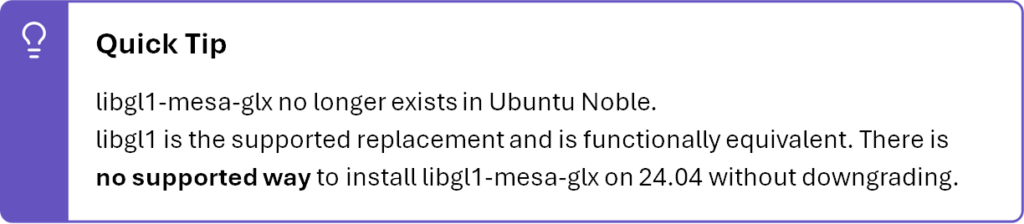
libgl1-mesa-glx, or libgl1 (OS version dependent).
Solution
Please run the following from terminal with sudo privileges:
For versions of Ubuntu prior to 24.04 LTS:
sudo apt-get update

sudo apt-get install -y libgl1-mesa-glx
For versions of Ubuntu 24.04 and later:
sudo apt-get update

sudo apt-get install -y libgl1
Additionally, you may wait for Enterprise Manager Version 26H1 release which will not require the above commands.