Introduction
This KB shows how to enable Windows NTFS auditing so you can see which Windows user account created, modified, or deleted files in:
1) exacqVision recorded video folders (for example D:\2026\) and;
2) the exacqVision logs folder.
Problem
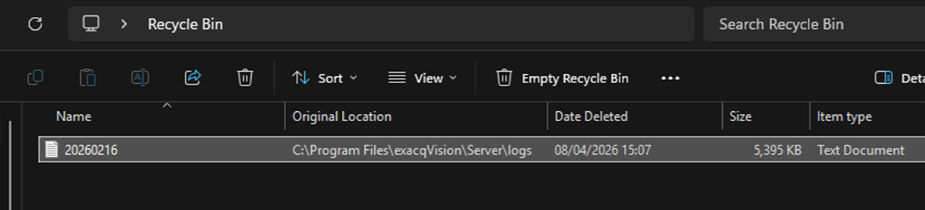
Recorded video or log files appear to be missing or changed, and you need evidence of who changed them.
Cause
Windows does not log file activity by default. You must enable Audit File System and apply Auditing (SACL) on the target folders.
Solution
Do these three steps (A–C), then review the Security log:
A) Enable Audit File System policy
GUI: secpol.msc → Advanced Audit Policy Configuration → Object Access → Audit File System → enable Success (Failure optional).
Command line (Admin):
auditpol /set /subcategory:”File System” /success:enable /failure:enable
auditpol /get /category:”Object Access”
B) Apply Auditing (SACL) to the folders
Repeat for each folder you want to monitor (example):
• Recorded footage folder: D:\2026\
• exacqVision logs folder: <insert your logs path>
Folder → Properties → Security → Advanced → Auditing → Add
Recommended: Principal = your admin/user group; Type = Success; Applies to = This folder, subfolders and files; Permissions = Delete + Create files/Write data + Write attributes.
C) Increase Security log size
Event Viewer → Windows Logs → Security → Properties → increase Maximum log size (auditing can be noisy).
View results (quick)
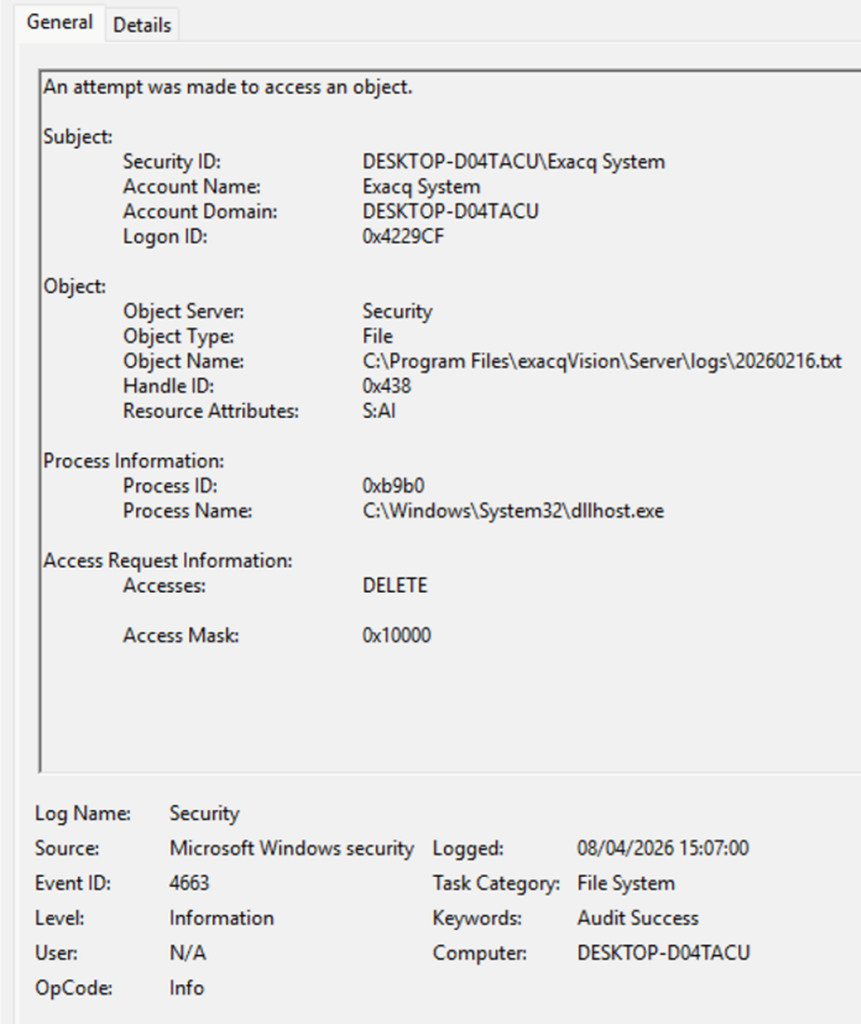
Event Viewer → Windows Logs → Security → Filter Current Log… → Event IDs: 4663, 4660, 4670. Search the results for the folder path (for example D:\2026\).
Event IDs (quick reference)
| Event ID | Meaning | What you learn | Notes |
| 4663 | Object access used | User + file path + process + access type (write/delete) | Primary event |
| 4660 | Object deleted | Confirms deletion occurred | Often paired with 4663 |
| 4670 | Permissions changed | Who changed ACLs | Detects permission tampering |
| 4656/4658 | Handle open/close | Extra context | Optional / noisier |