Description
The X‑Series platform is designed to dynamically adjust fan speeds to maintain proper system cooling. During normal operation, the unit may become noticeably loud at times as the fans increase speed to meet thermal demands. This behavior is expected and ensures the hardware remains within safe operating temperatures.
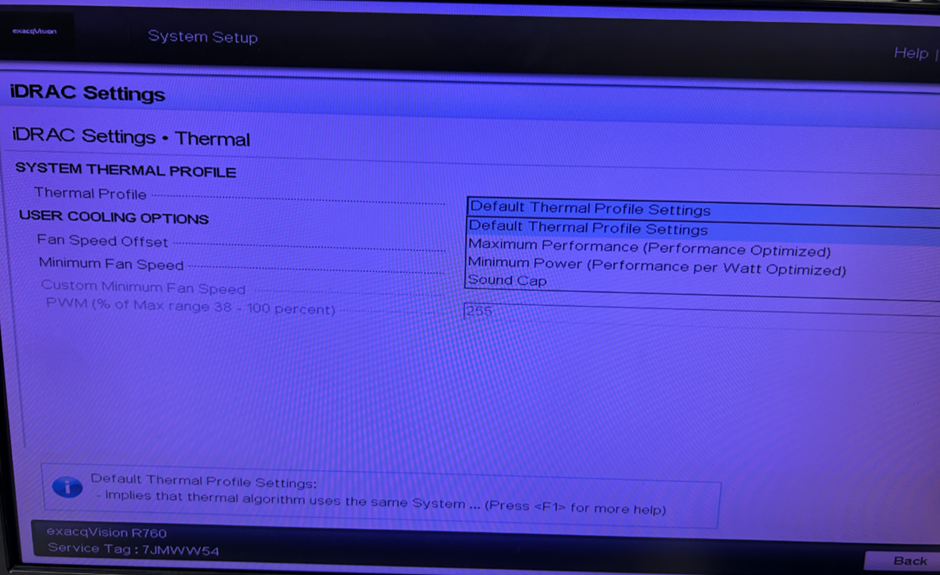
By default, all X‑Series systems ship with a BIOS setting enabled that manages the System Thermal Profile. This profile allows the unit to automatically regulate fan speeds based on internal temperature readings, ensuring optimal cooling performance.
Product
X Series NVR’s.
NOTE:
Lowering the noise cap is possible; however, doing so may introduce a slight performance impact. If you adjust these settings and begin to experience system performance issues, it is recommended to revert the Thermal Profile changes or reduce individual camera settings to compensate. Optimal values can vary from server to server, so apply settings appropriate for each deployment.
Example:
A system with 50 cameras configured at 1920×1080, 15 FPS, and Quality 5 may require adjustments if performance becomes constrained. In this case, a subset of cameras may be able to operate at a lower frame rate or reduced resolution. Each unit should be evaluated and tuned according to its specific workload and hardware capabilities.
Solution
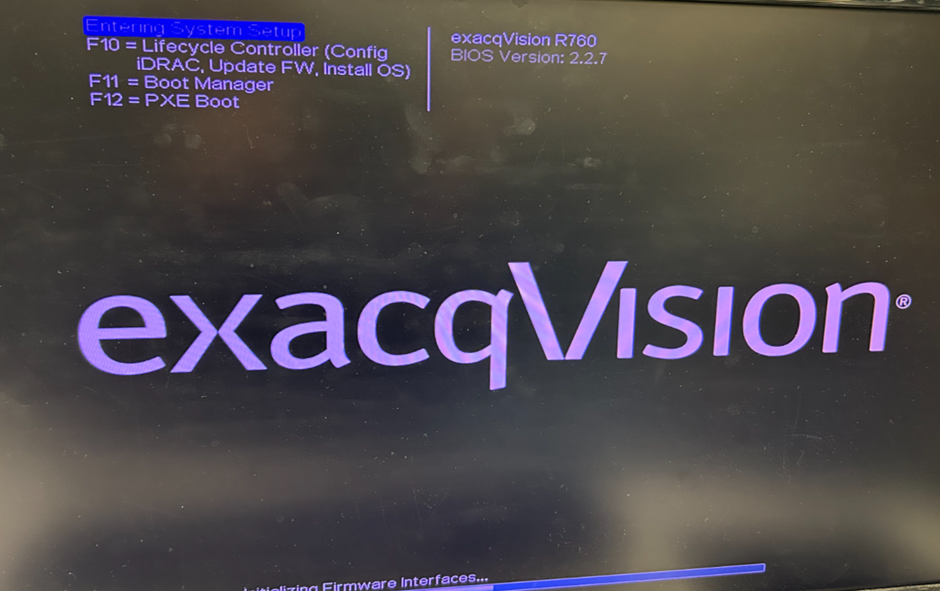
Restart the system and while the unit is booting enter the bios by taping the F2 key and enter system setup.
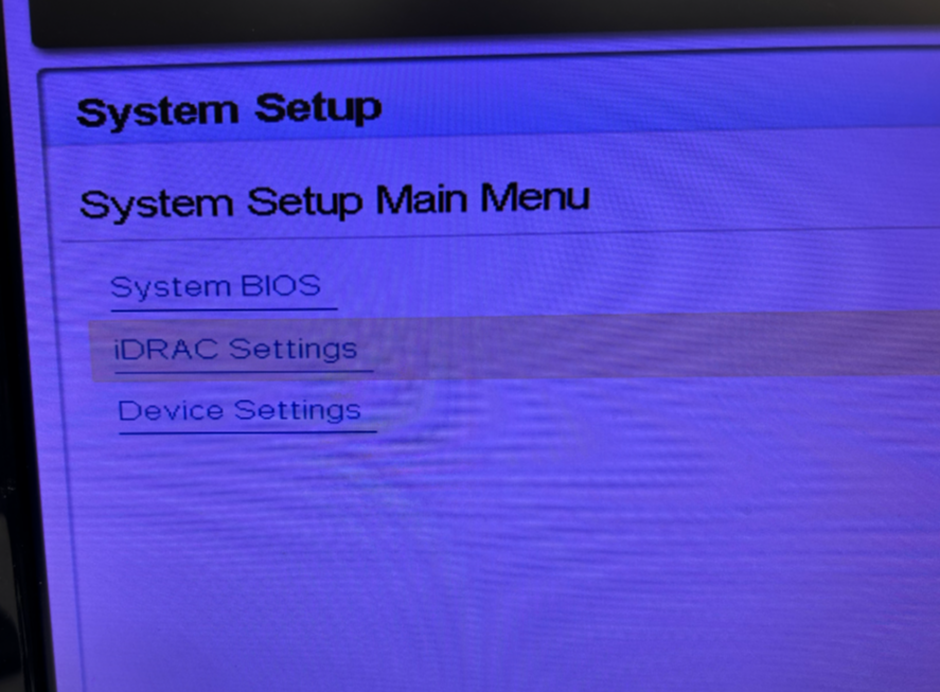
Navigate to the iDRAC Settings.
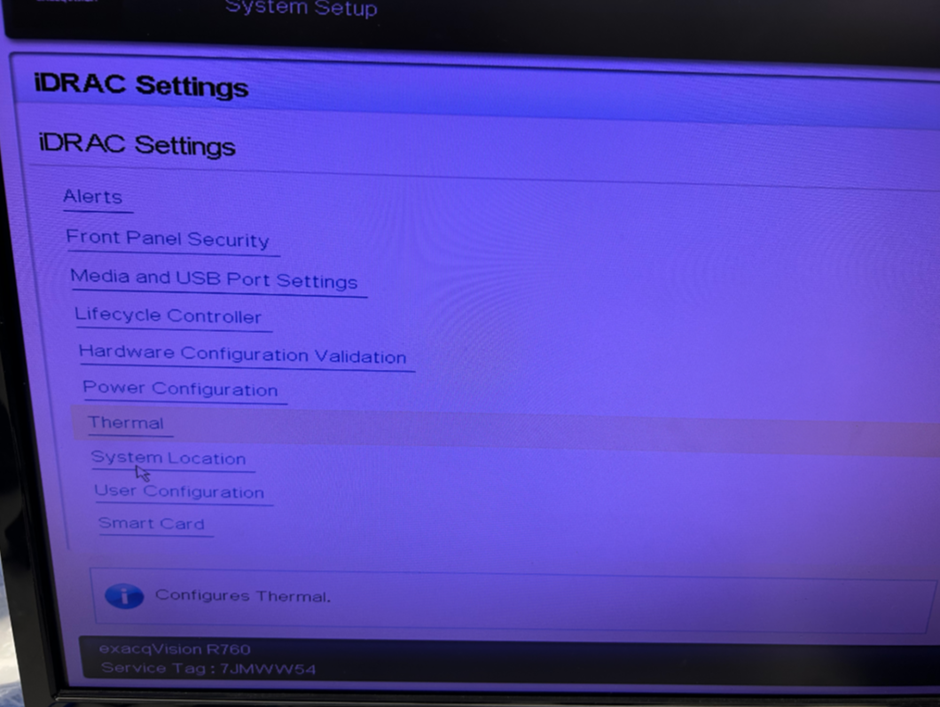
Select the Thermal option in the Menu.
Choose the Sound Cap thermal profile from the drop down.
Save the changes and exit the bios.
X-Series-Fan-Noise-and-how-to-reduce-Noise-Levels.pdf